 LMS
LMS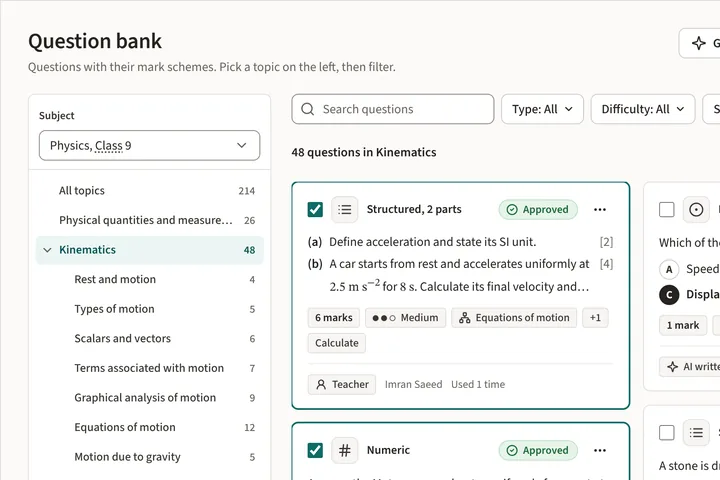
Question bank
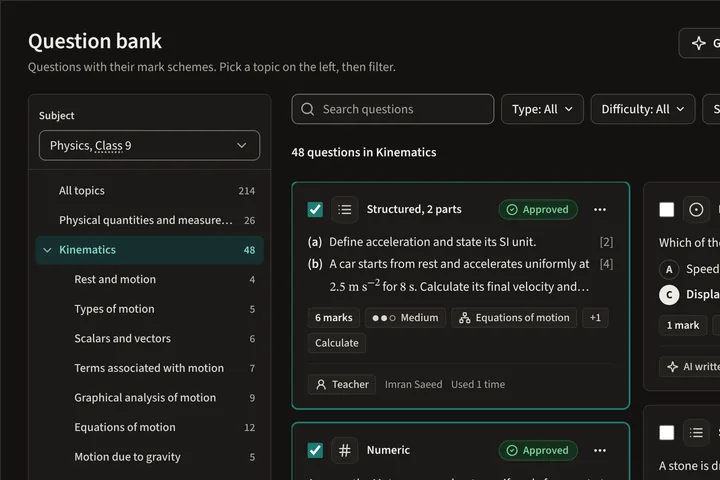
Questions with their mark schemes, tagged by topic and difficulty, for teachers to reuse across papers and years.
Product
LMS covers the whole life of a test: writing it, printing it, scanning it, marking it and sharing the results. Teachers, leaders, admins, students and parents each see the part that is theirs.
Who it is for
Teachers
Every step of a paper test sits in one place, and the slow parts are done for you.
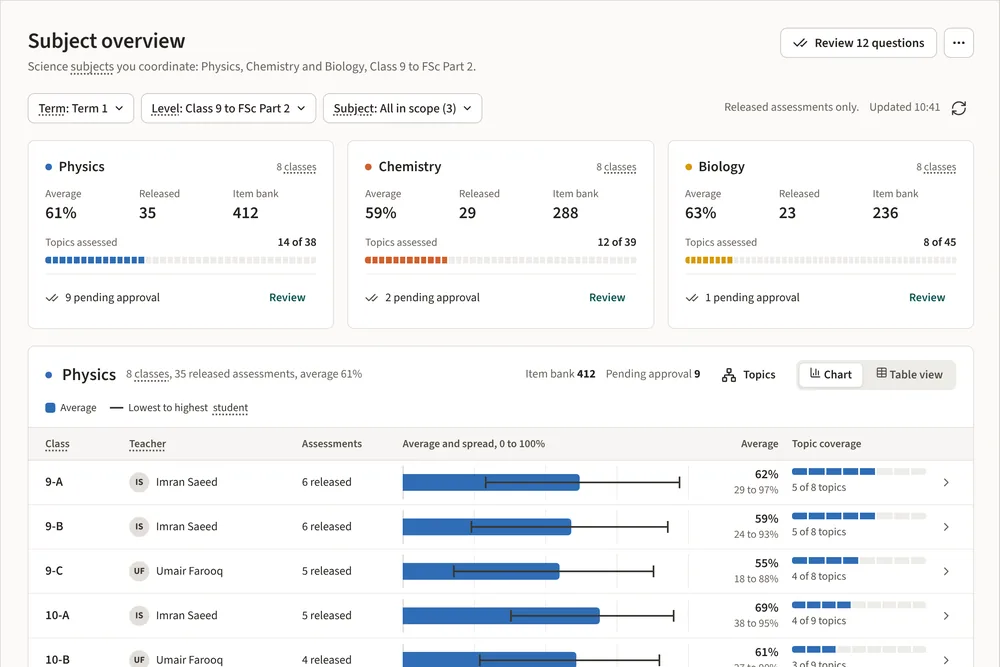
Coordinators and heads
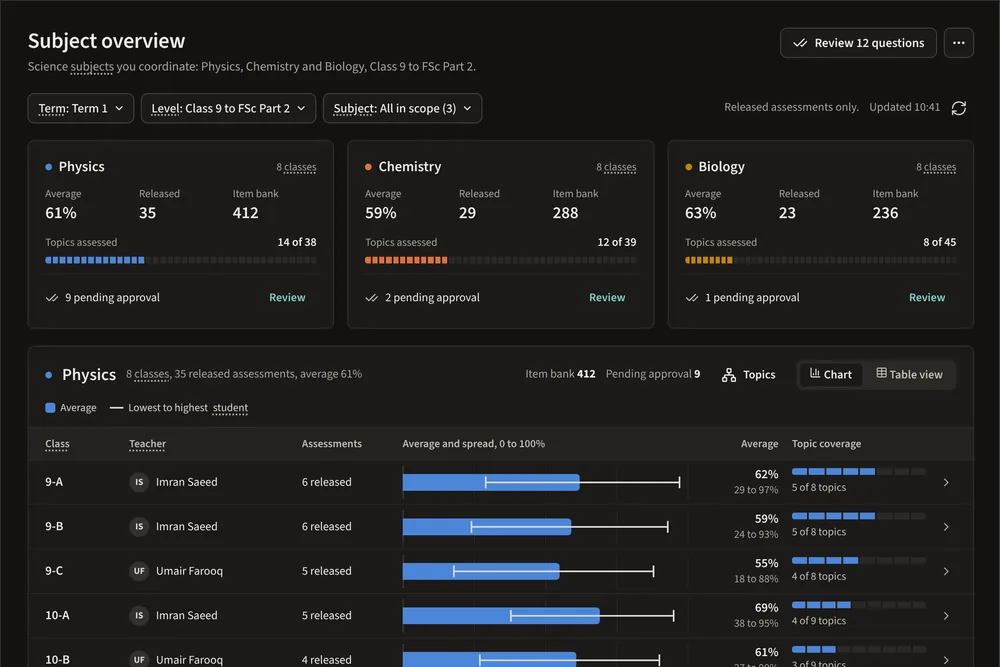
Results arrive by topic, class and level as soon as teachers release them.
School admins
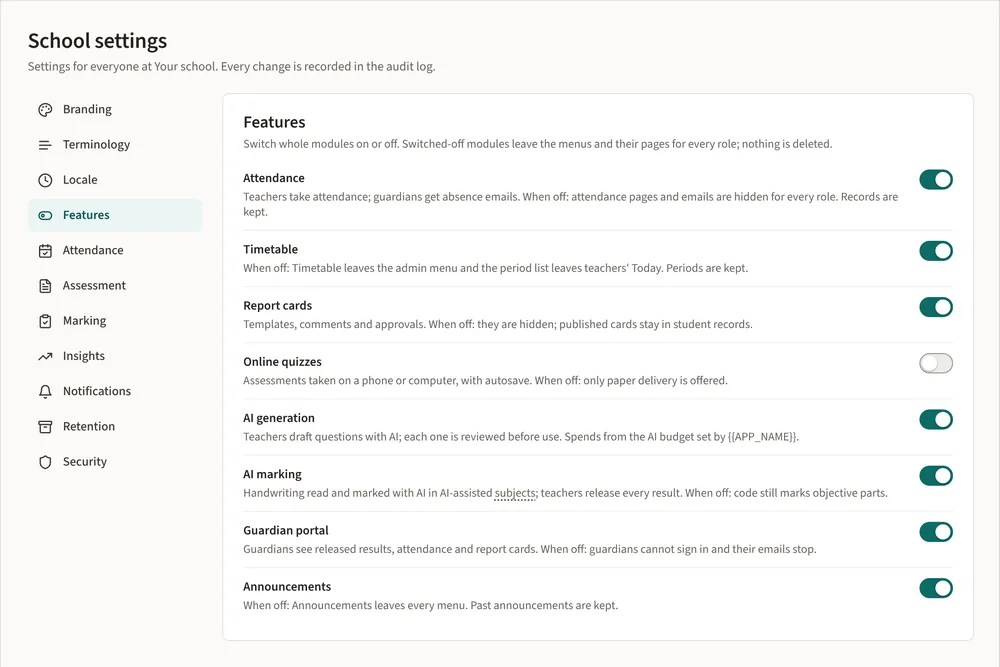
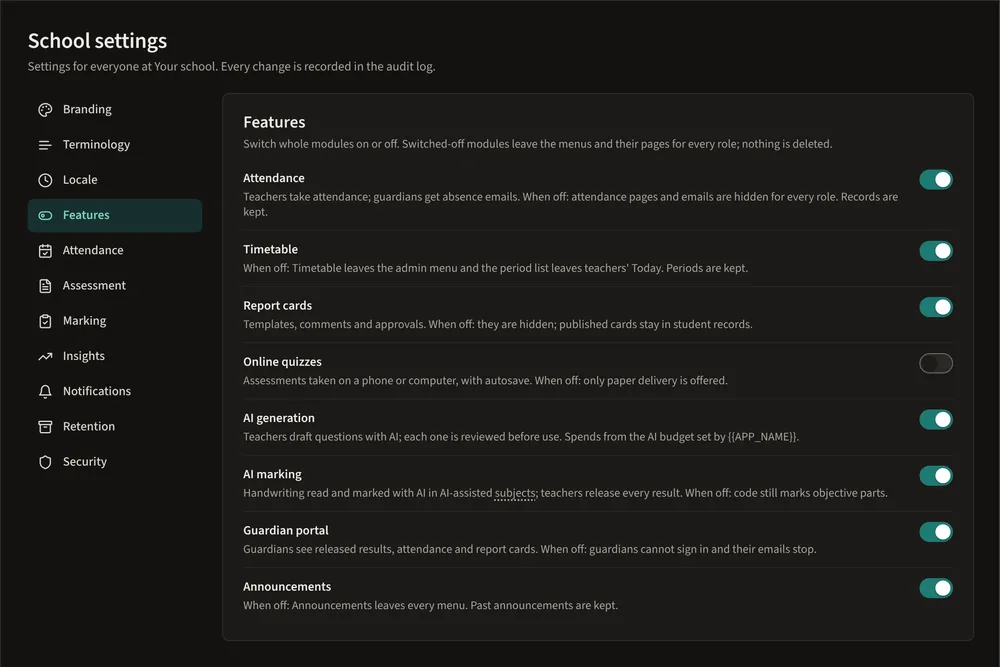
Classes, subjects, staff, students and guardians, with the terms your school already uses.
Students Add-on
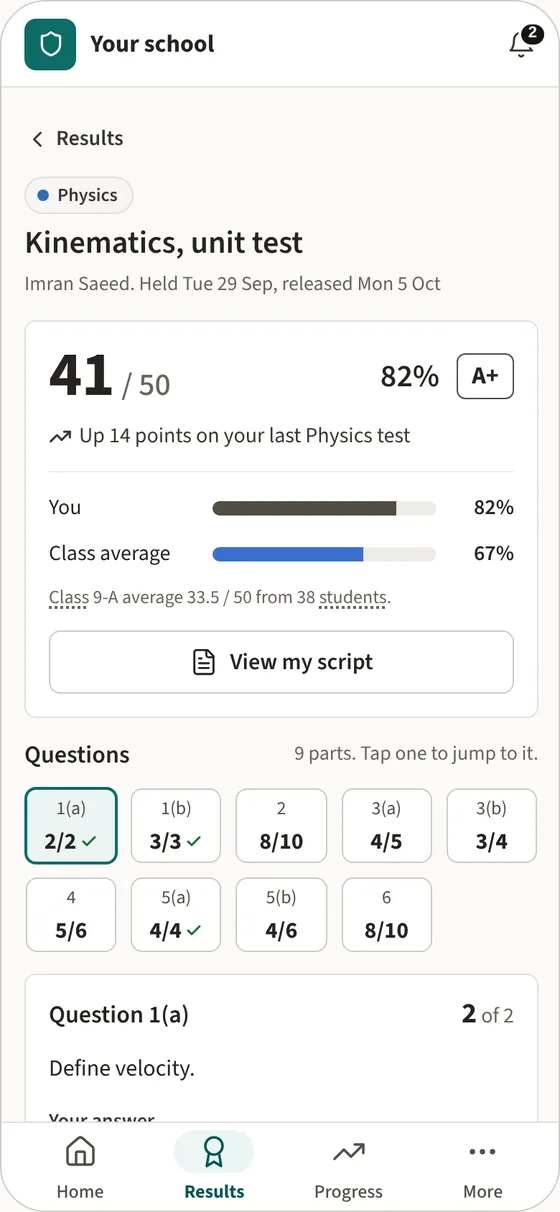
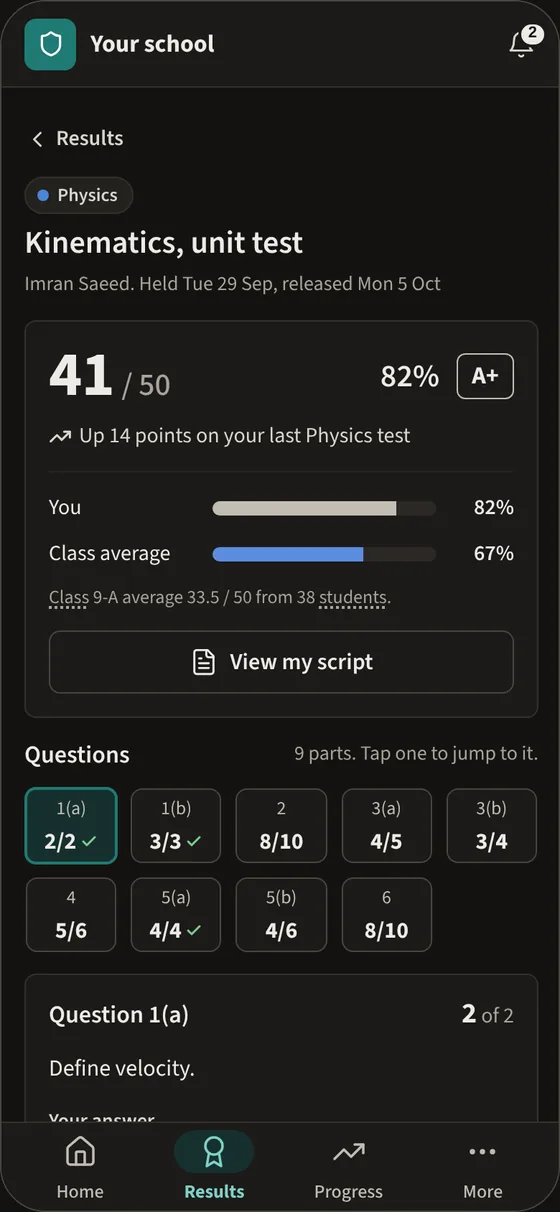
When a teacher releases a test, students see what they did well and what to work on next.
Parents Add-on
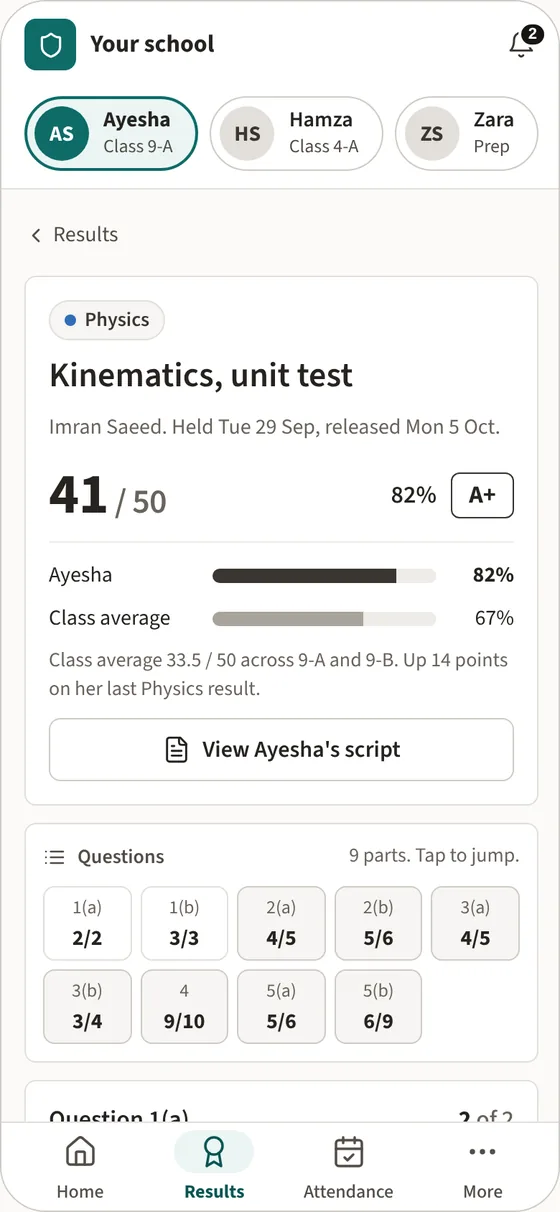
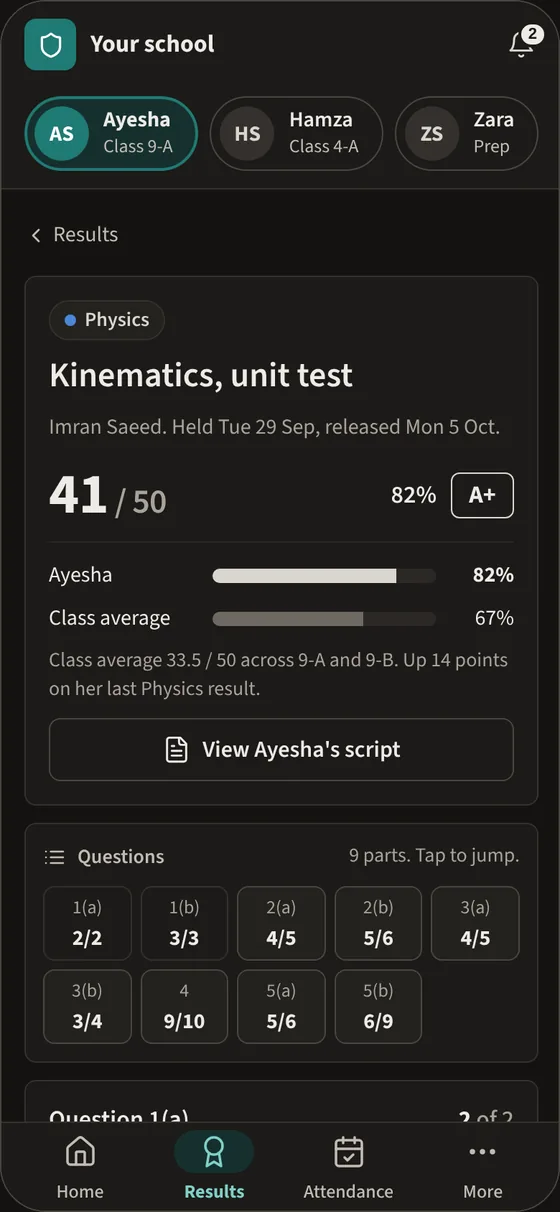
Parents see released results, attendance and report cards, and switch between children in one tap.
Core
These come with every school. AI generation and AI marking run on AI we manage for you or on your school's own AI key, with a monthly spending cap.
Questions with their mark schemes, tagged by topic and difficulty, for teachers to reuse across papers and years.
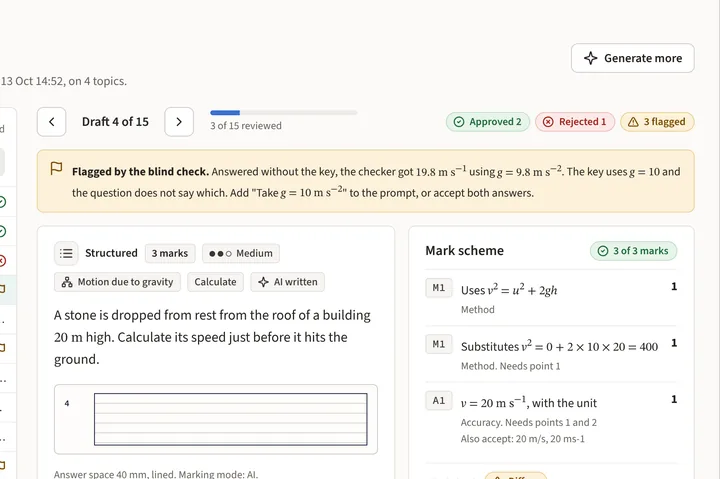
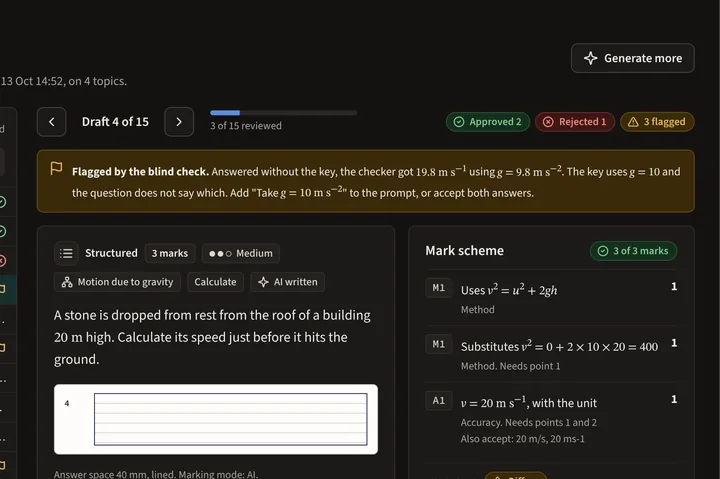
Ask for questions on the topics you choose. Each draft is checked by a second AI pass and waits for a teacher to approve it.
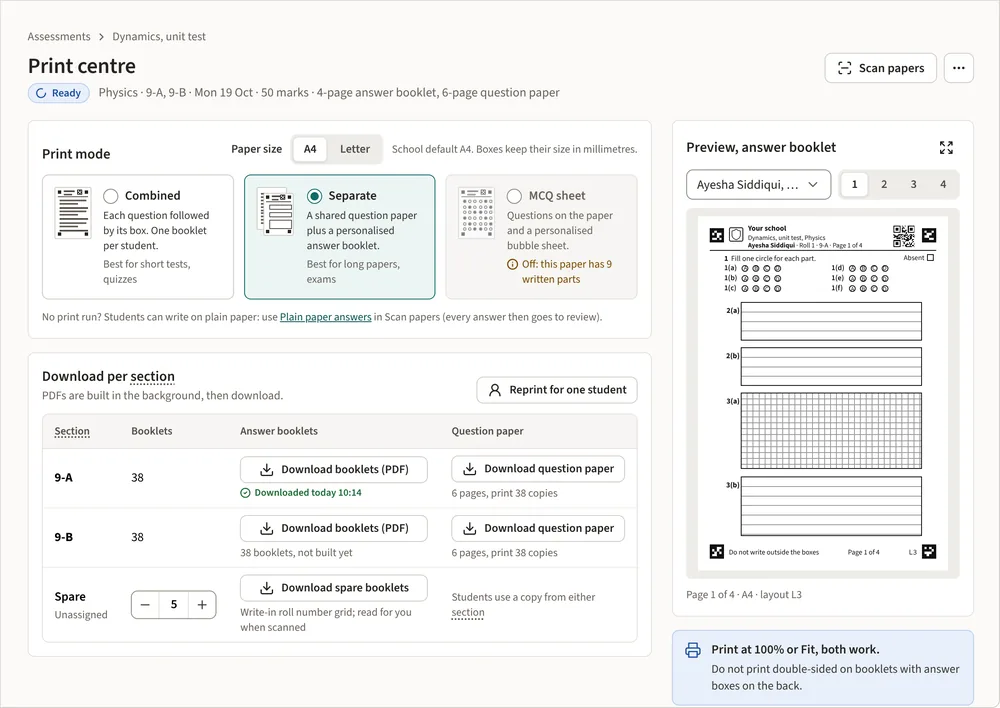
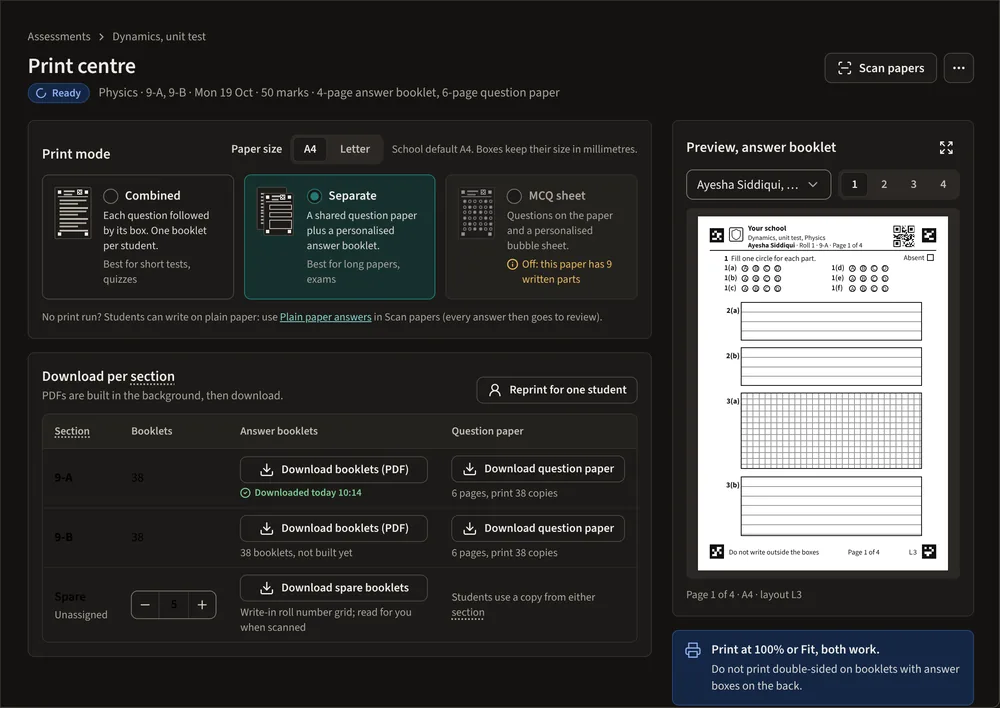
A personal booklet for every student, with their name, a QR code and corner markers. Prints on any school printer.
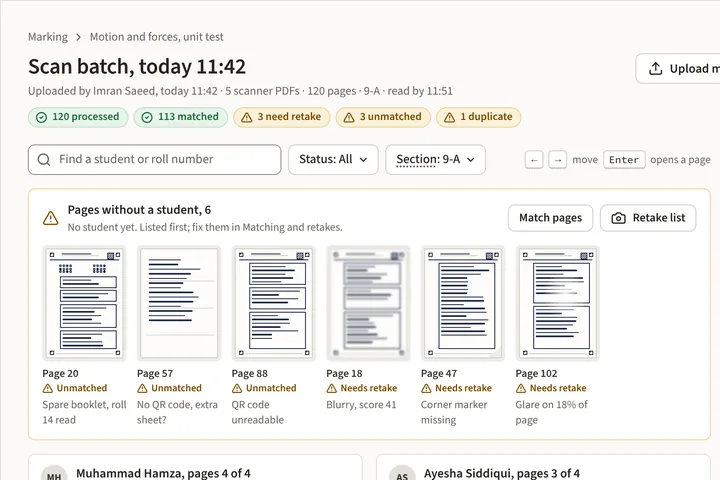
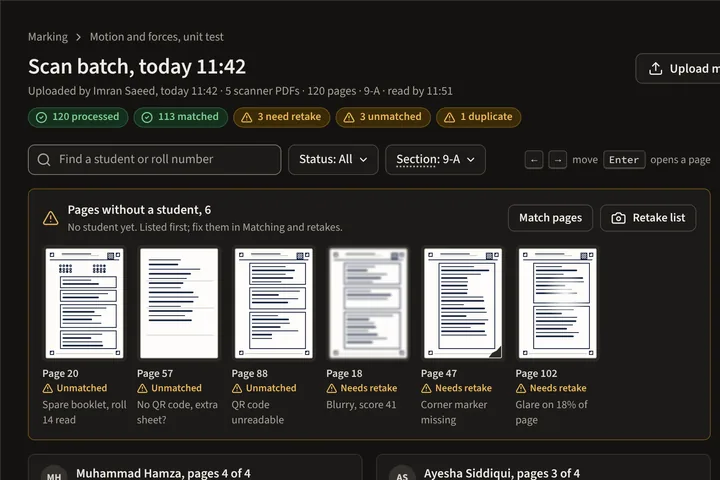
Phone photos or copier PDFs, in any order. Each page is matched to the right student and test by its QR code.
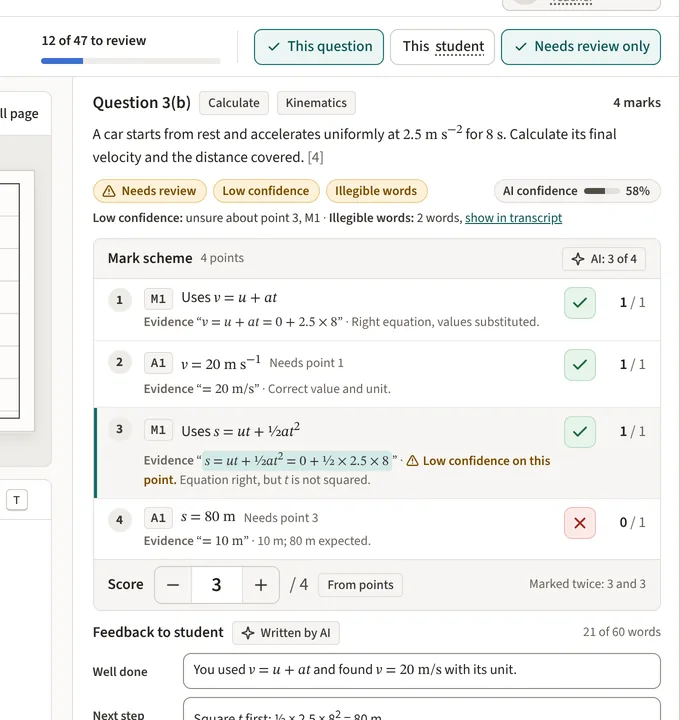
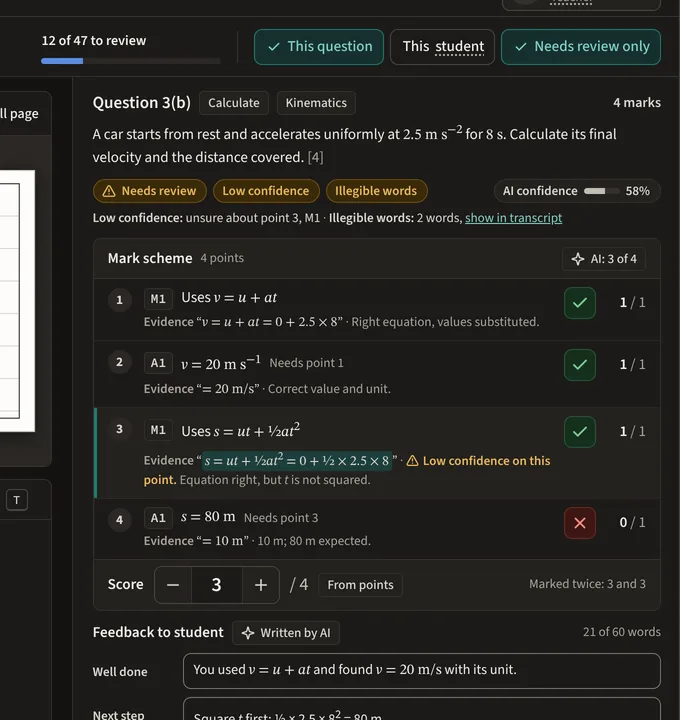
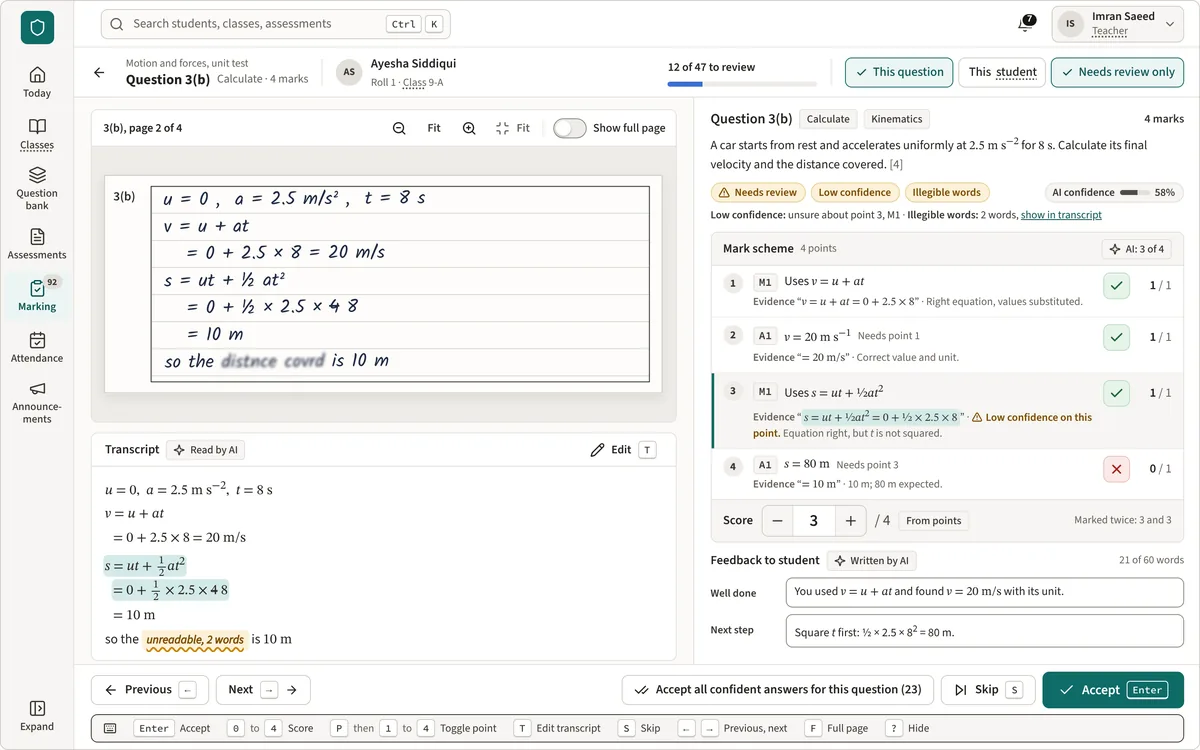
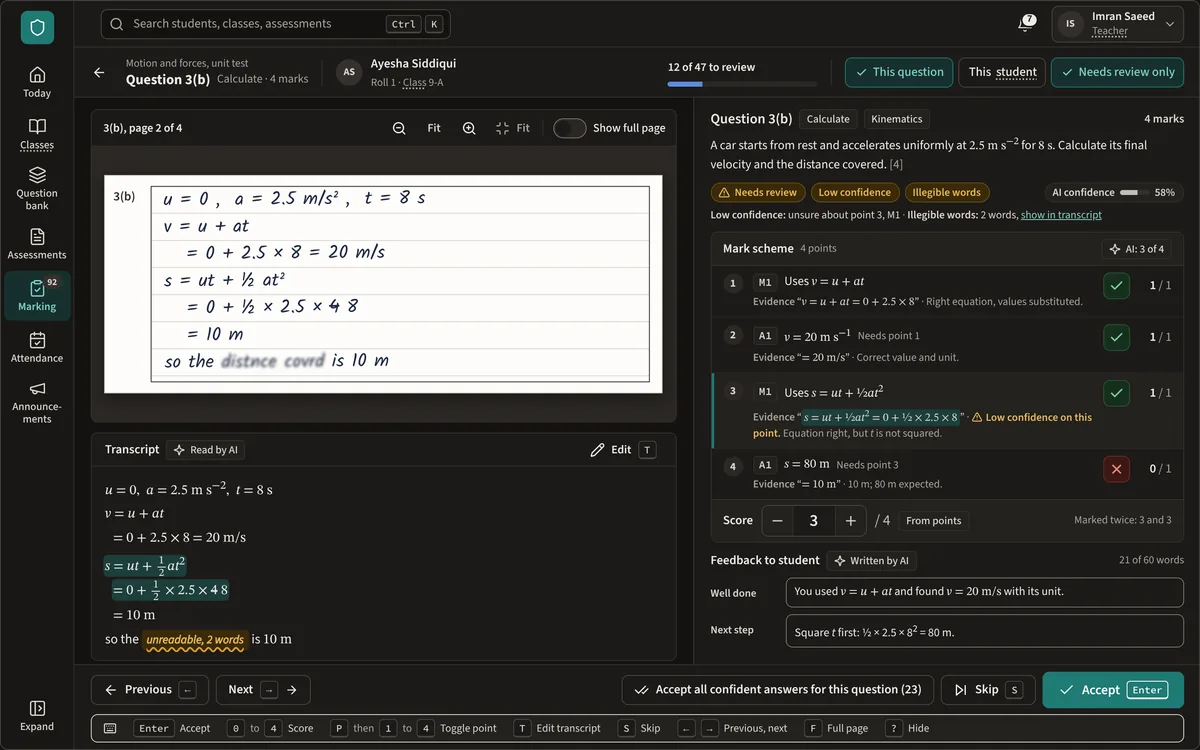
Handwriting is read and marked against your mark scheme. Uncertain answers come to the teacher first.
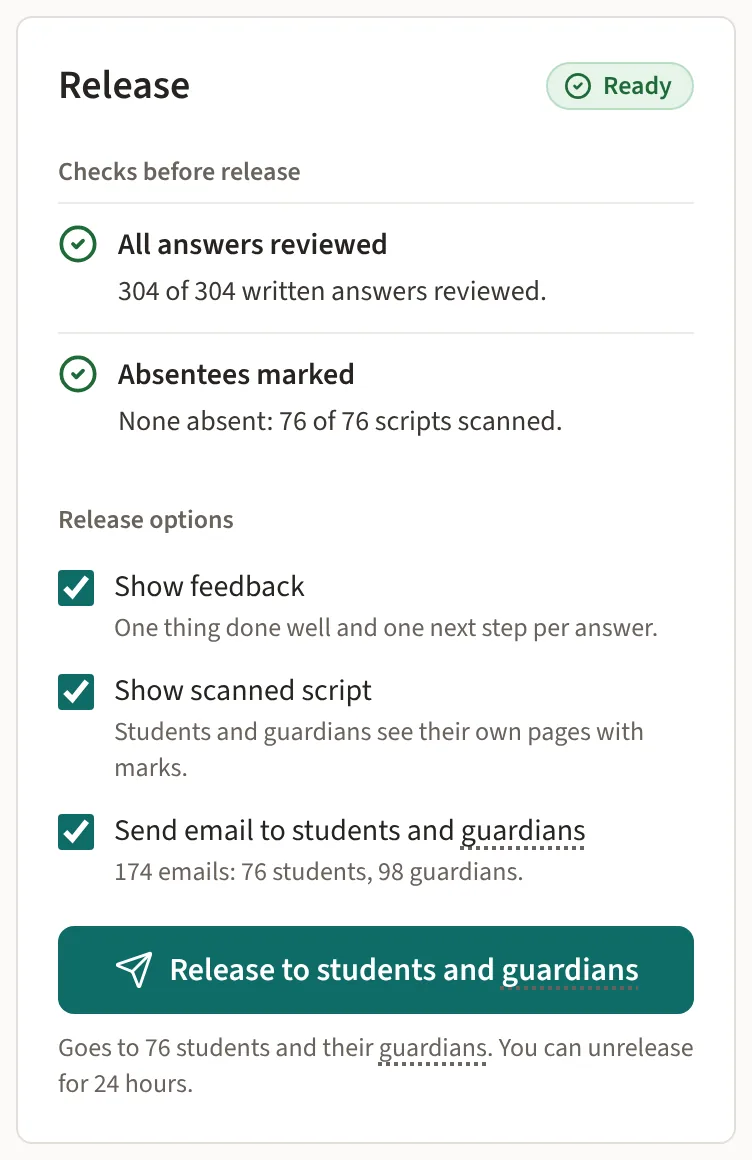
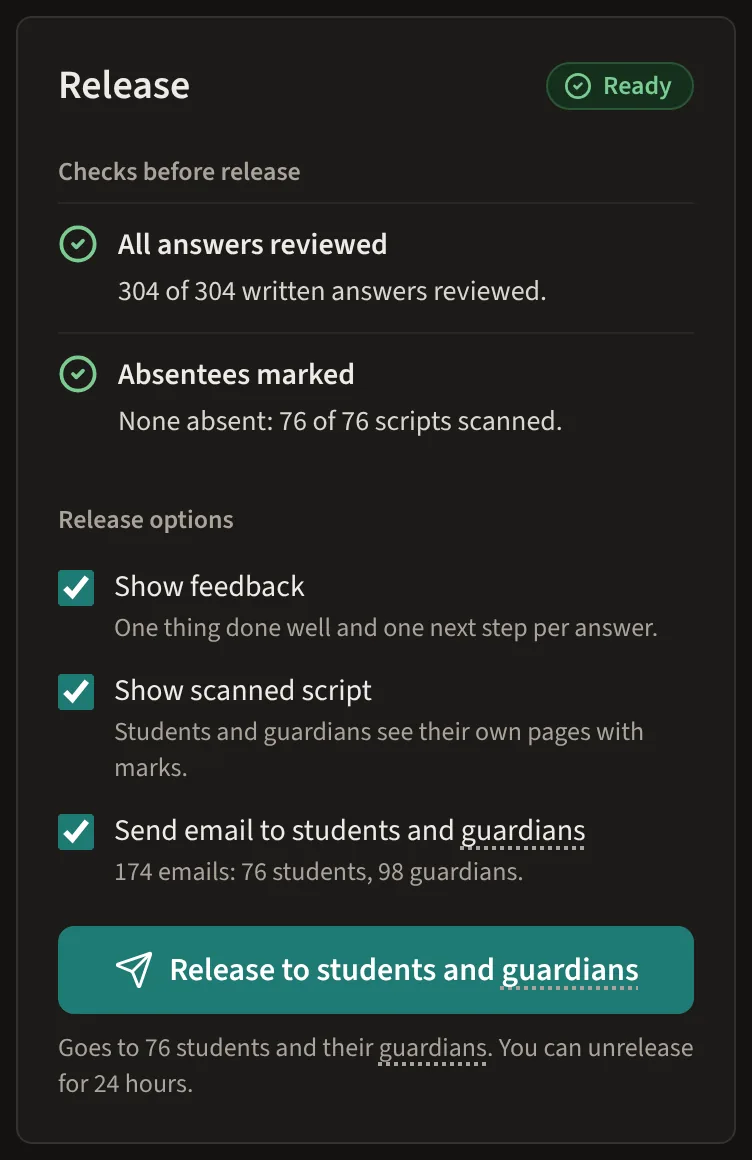
Nothing reaches students or parents until a teacher releases it. A release can be undone for 24 hours.
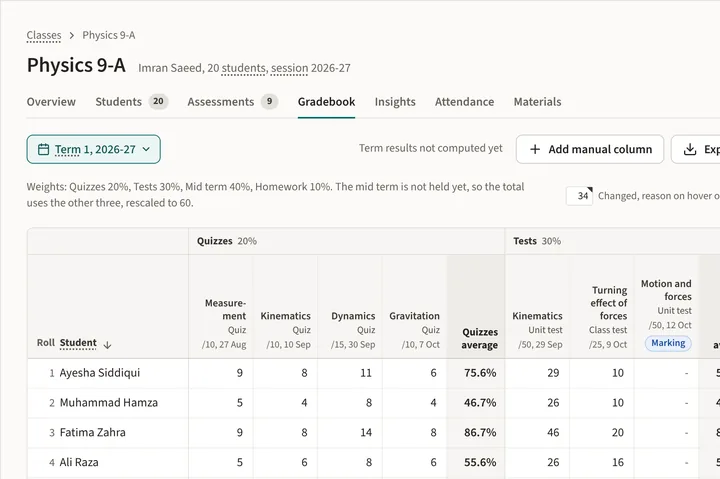
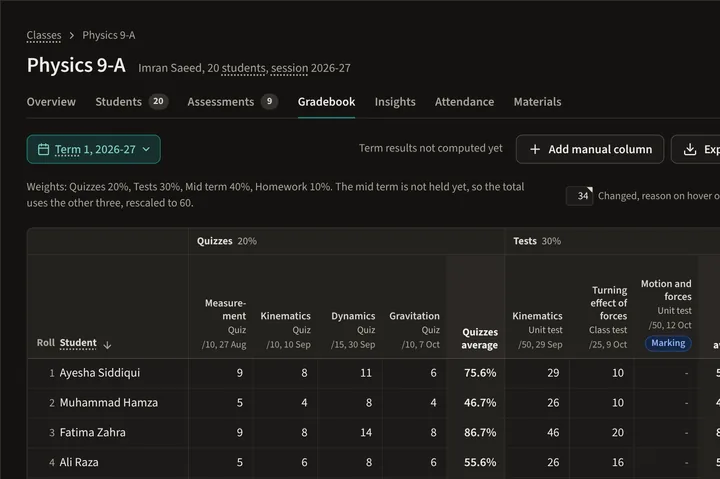
Marks from every assessment plus your own columns, with weighted categories and term results.
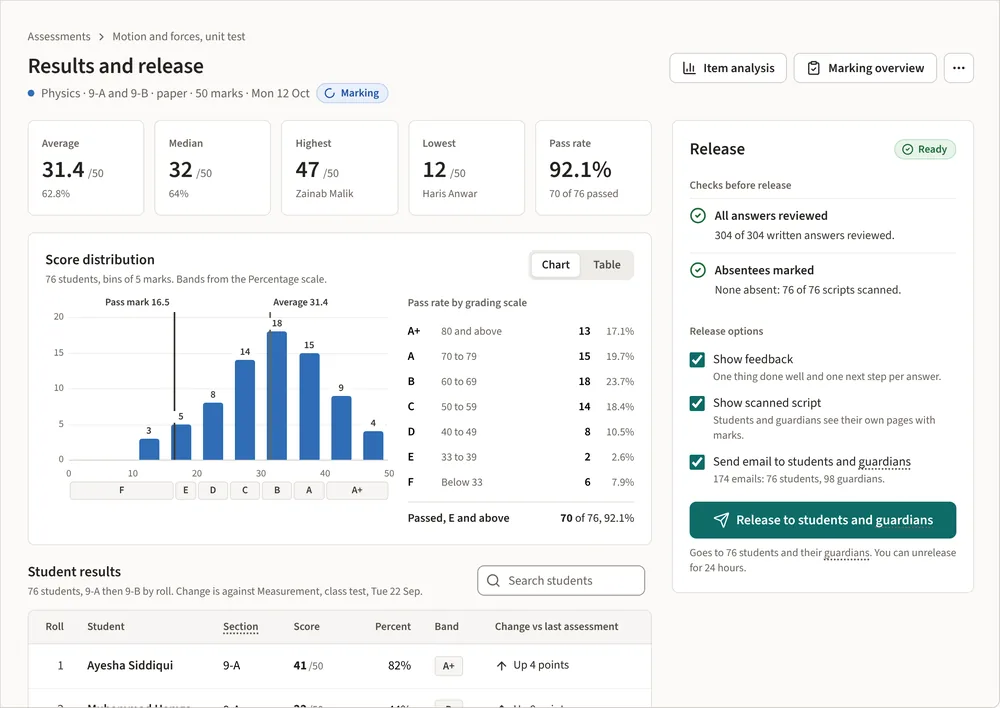
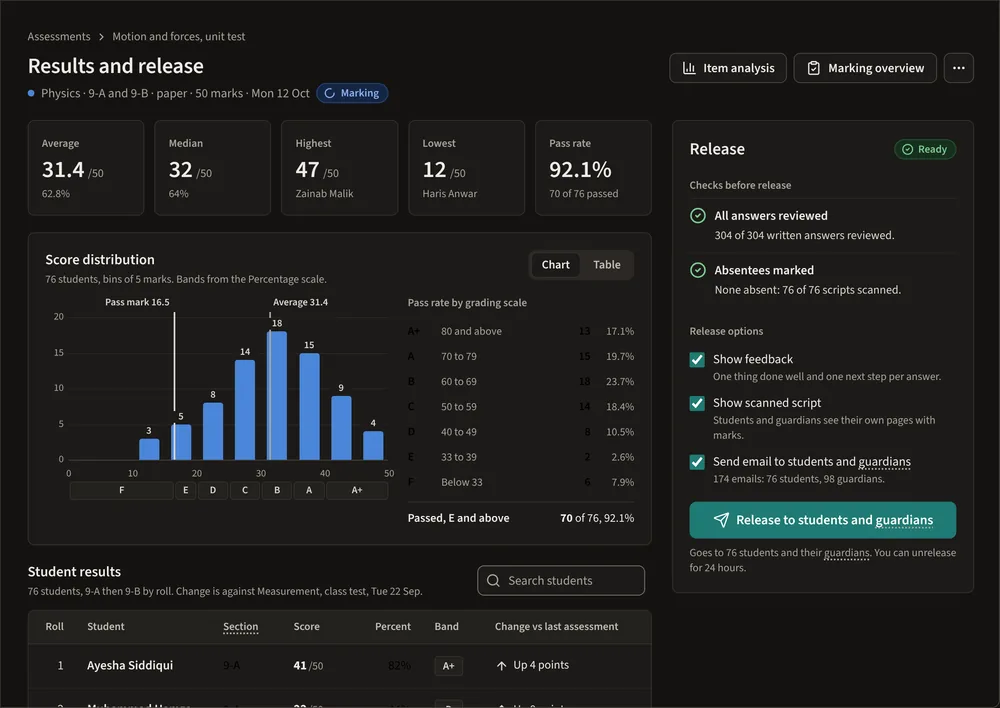
Results by student, question and topic, so you can see which questions caught a class out.
Add-ons
Each add-on costs extra and works with the same students, classes and results. A school admin switches the add-ons in your plan on or off.
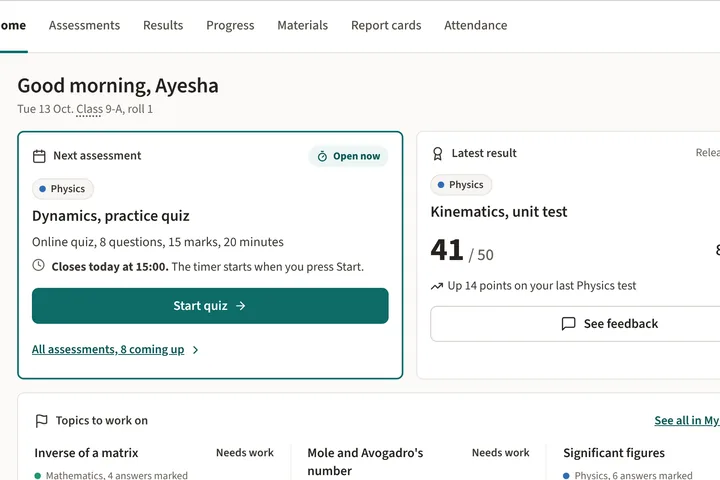
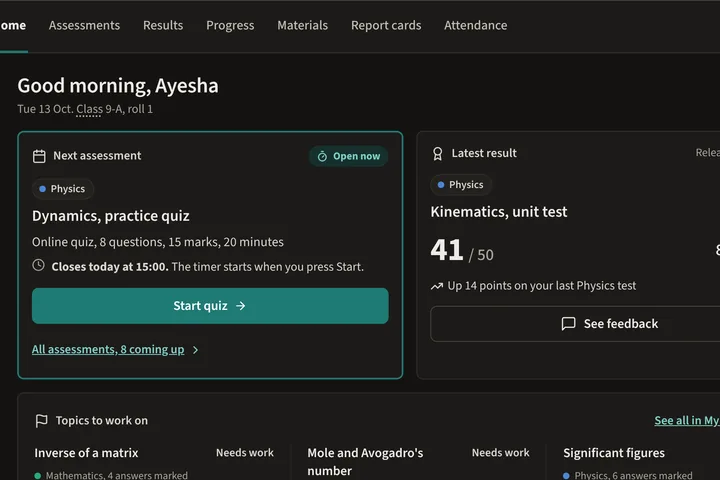
Students sign in to see released results, feedback, progress and materials.
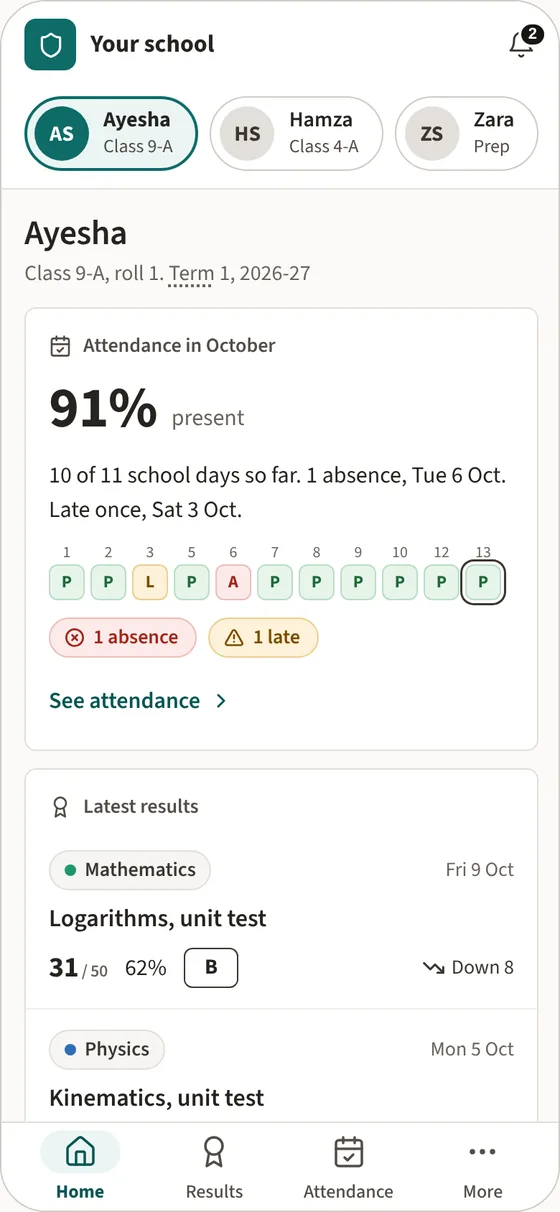
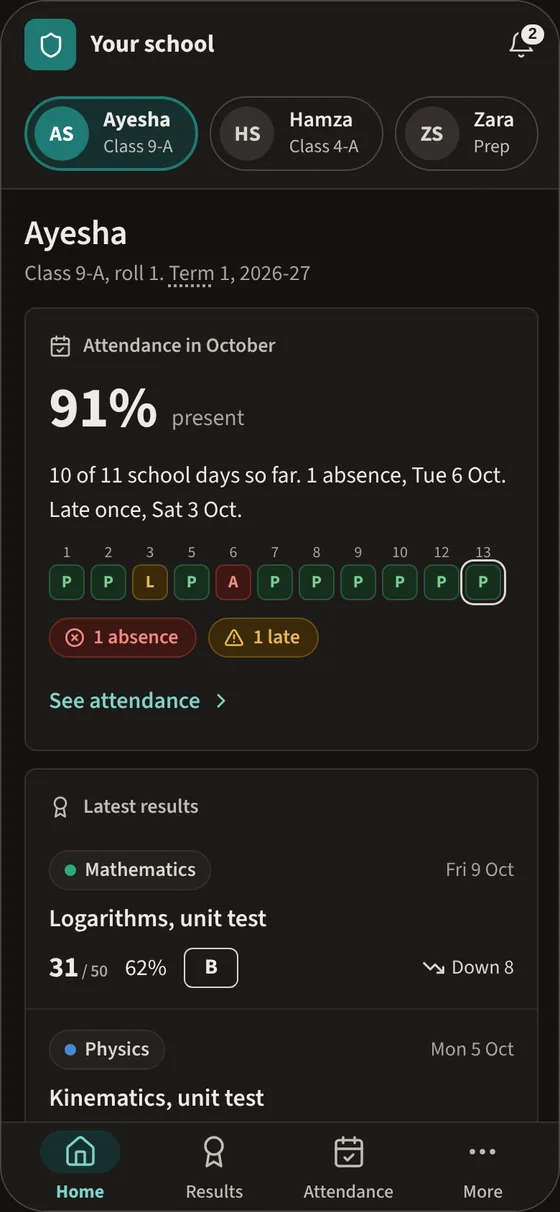
Parents follow results, attendance and report cards for each child.
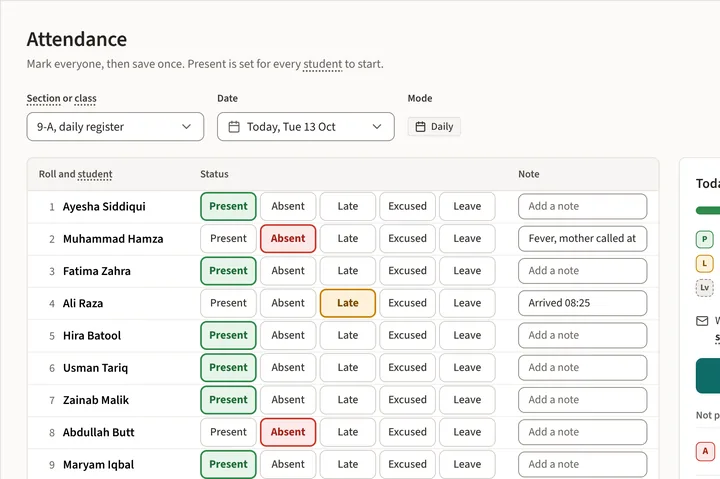
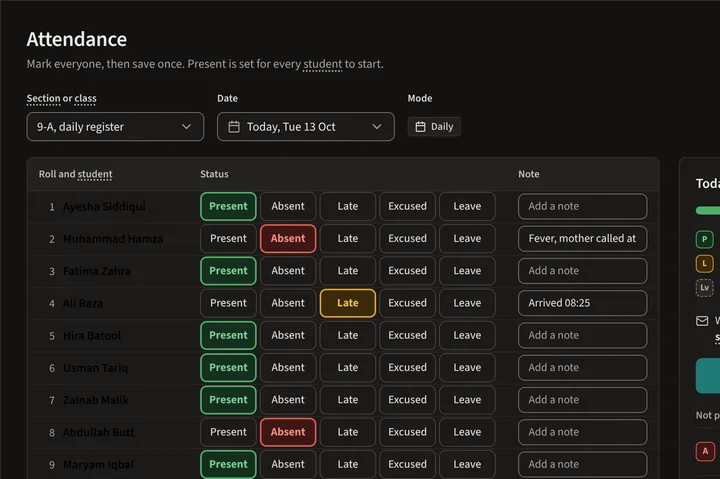
Take the register in a few taps, by day or by period. Parents can get an email when a child is absent.
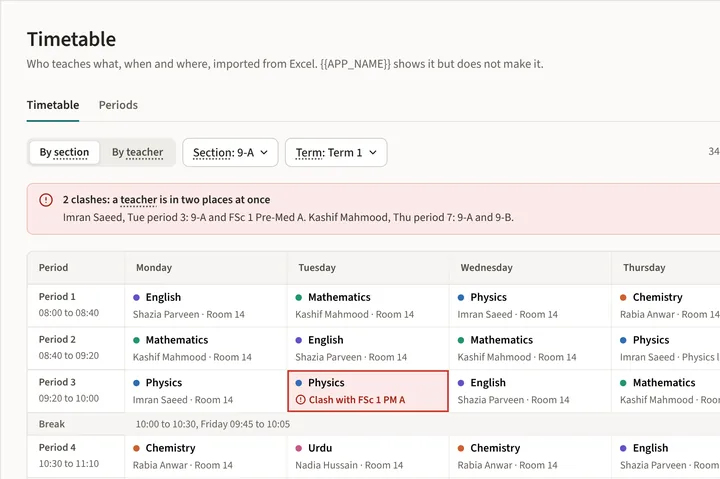
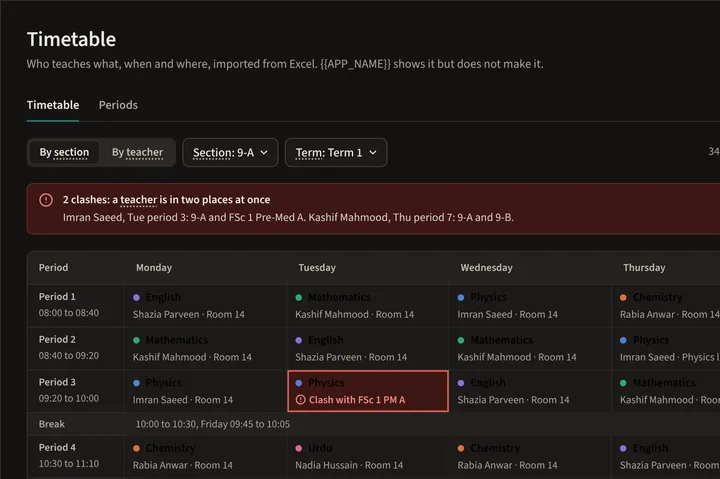
Who teaches what, when and where, imported from a spreadsheet, with clashes shown.
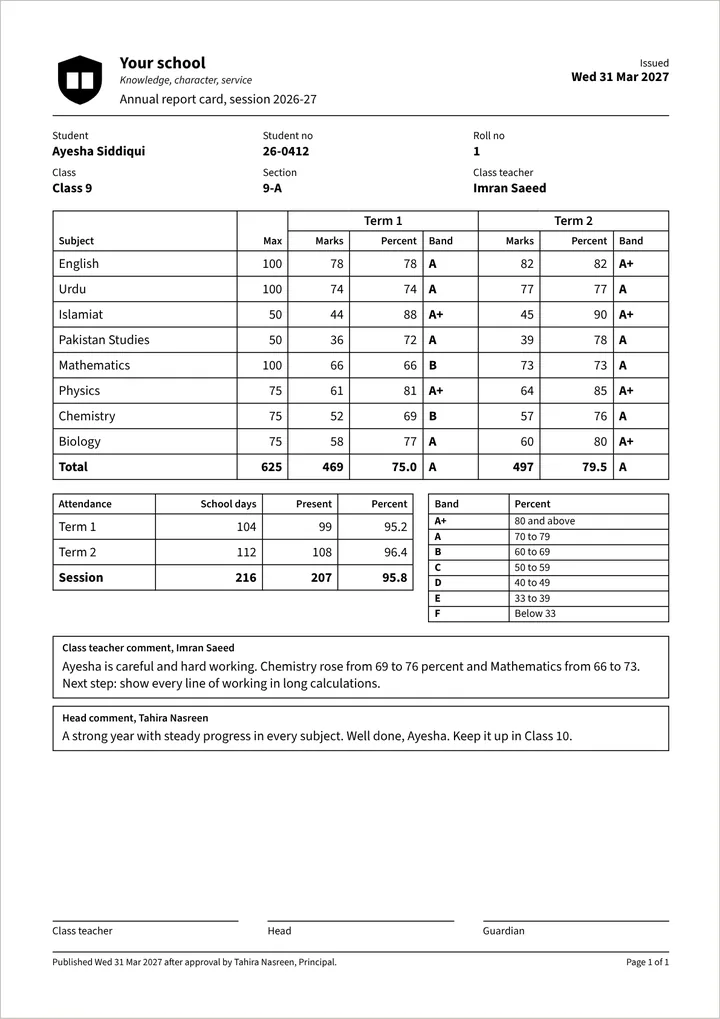
Term report cards from your marks and comments, approved by coordinators and heads, then published to parents.
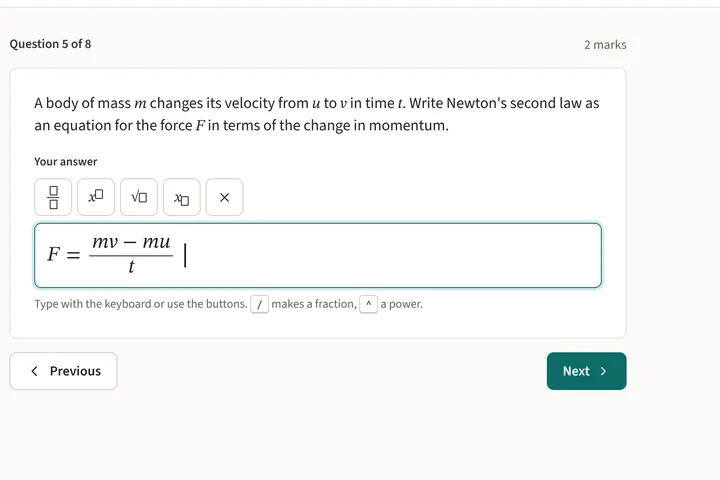
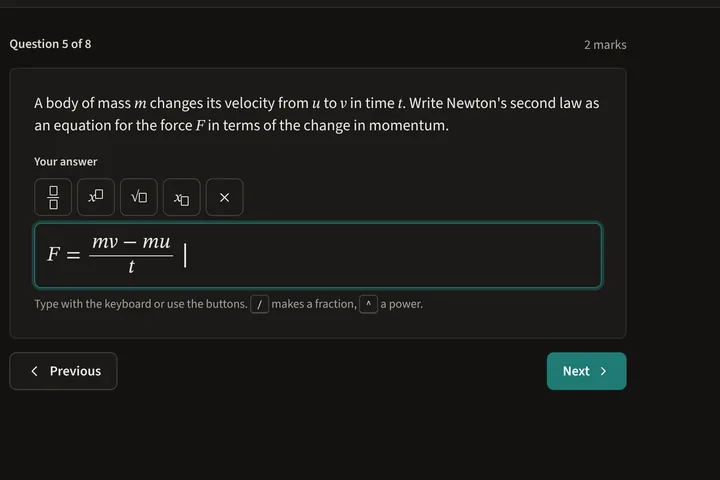
Quizzes on a phone or computer. Fixed answers are marked by code; written answers go through the same review.
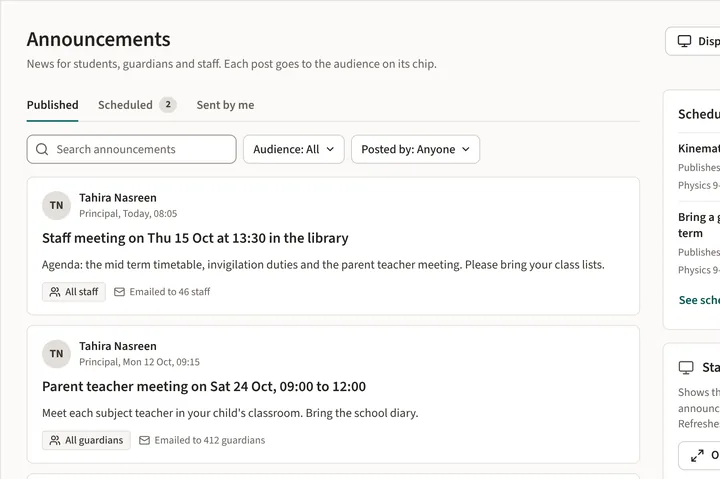
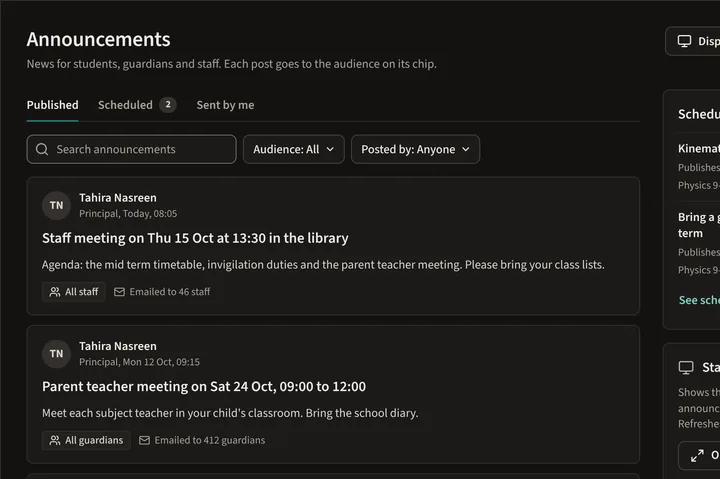
News for staff, students and parents, with an optional email and a staff room display.
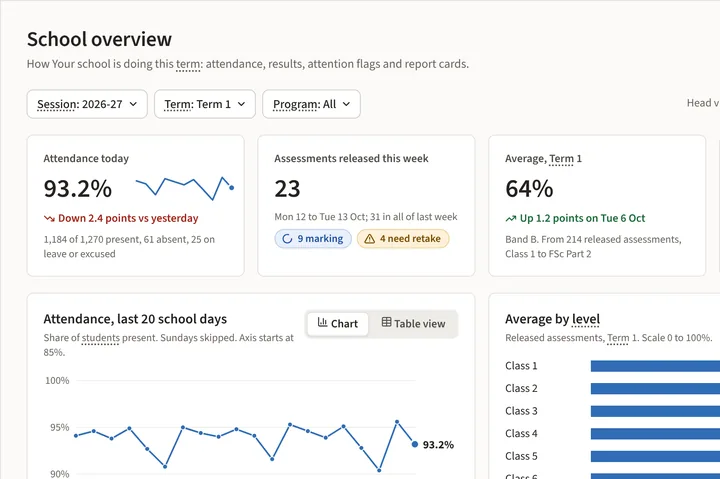
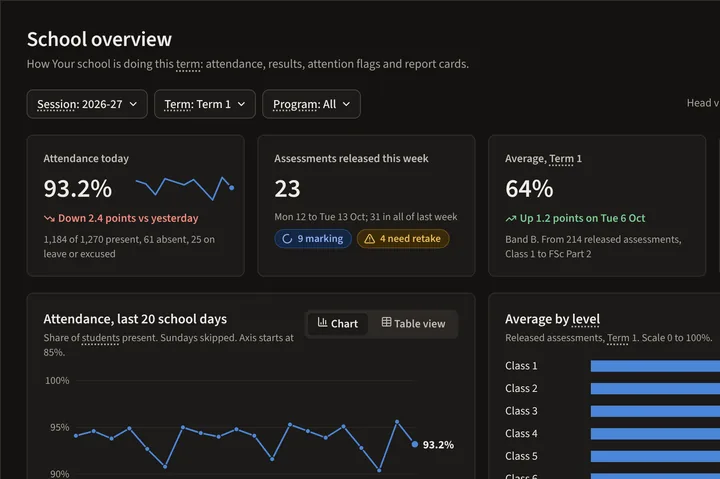
Class and school overviews by topic, with flags for students who need help.
Book a demo and we will show you the roles and add-ons your school would use, with one of your own tests.